
Createeverything.
Games, apps, music and whole worlds in one free engine. An editor that feels like home, node graphs for everything, and a fast Rust core that's ready to work with AI.
Feels like home
from the first click.
Dockable panels, workspaces, an Unreal-style viewport and a Content Browser with live thumbnails. Everything you change can be undone, step by step.

Drag any tab next to, above or below another, or float it in its own window.
Move, rotate and scale with W, E, R. Snap to the grid, to angles and to surfaces.
Make a Blueprint or a material once and place it a hundred times. Change it once, every copy follows.
Physics, players and triggers come alive. Press Stop and the level is exactly as you left it.
Wire it. Hear it.
See it. Play it.
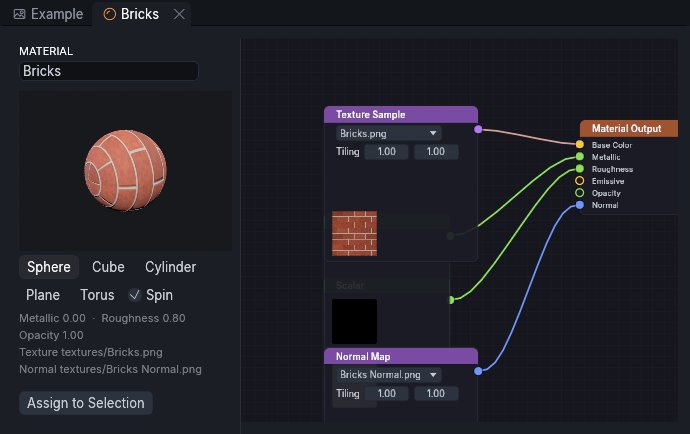
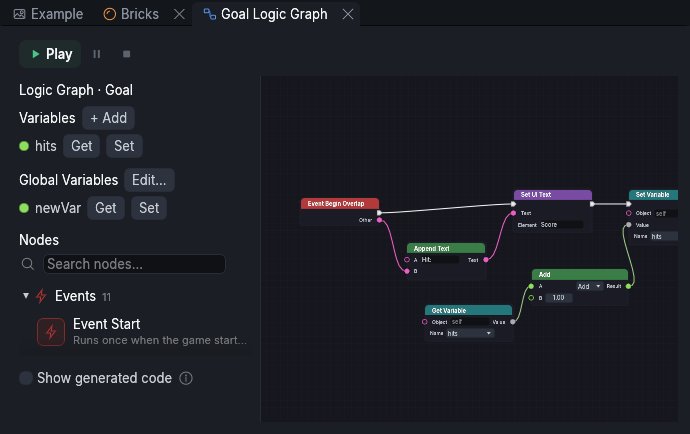
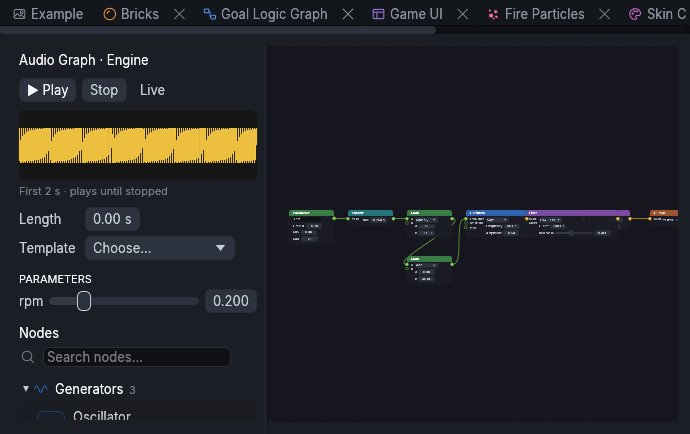
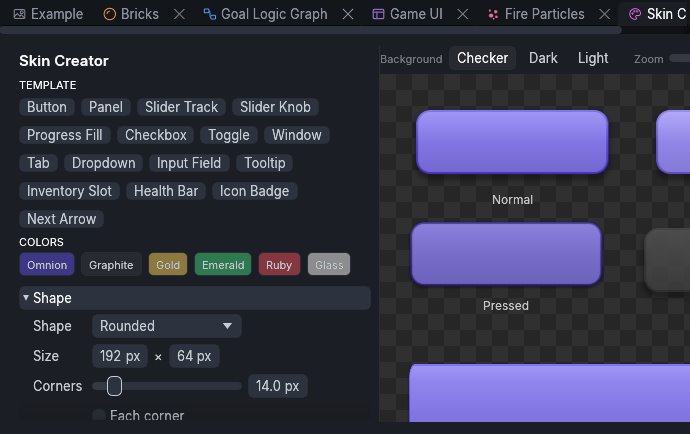
Materials, logic, sound and geometry share the same graph editor: one way of working, for everything.
Made for whatever
you're dreaming up.
3D and 2D games
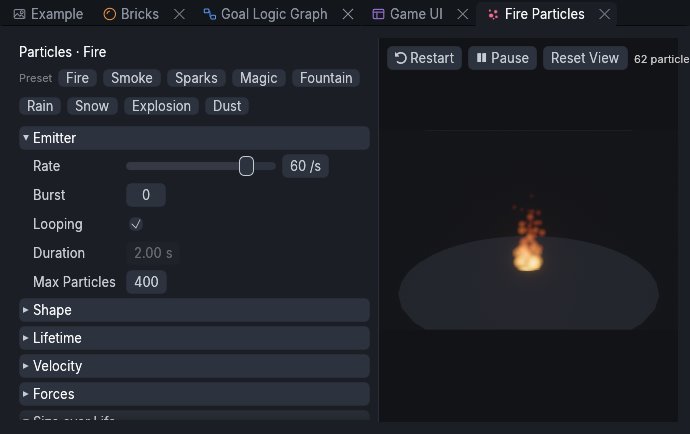
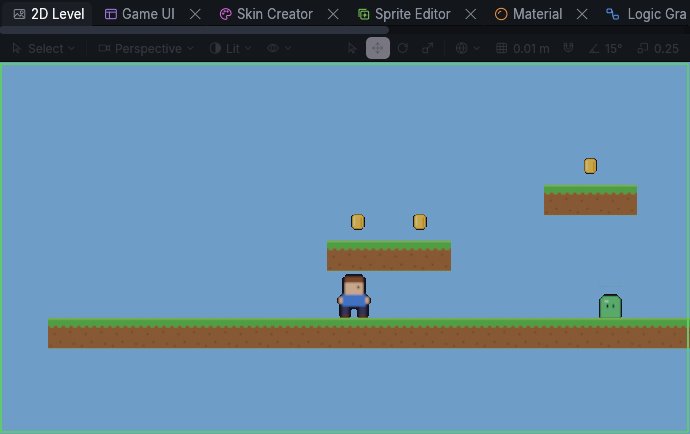
Physics, first and third-person players, triggers, cameras, particles and a UI designer. Press Play and you're in.
Sound you can play with
Sound graphs, synths and an audio core that also runs in your DAW as a CLAP or VST3 plugin.
Apps and tools
The same editor, scripting and UI, for interactive apps and desktop tools.
Film and animation
Keyframes, a Sequencer-style Timeline, curves and audio tracks.
Simulation
Physics you can run, pause and inspect, on a core where everything is data. Robotics tools are on the roadmap.
to download and start. No trial, no credit card.
One Omnion ID for the engine, the docs, the forum and what's next.
The whole engine, editor included, is written in Rust: fast and small.
Every change is a command you can undo, whether you made it or an AI did.
Your co-pilot builds with the same tools as you.
Omnion comes with an MCP server, the standard way AI assistants use tools. An assistant can create and edit scenes live in the editor, check its work with a screenshot, and you undo anything you don't like.
- Works live in the open editor, or on its own without a window
- Every step is an undoable command
- Coming soon: an assistant built into the editor
One account.
Everything around it.
Engine, docs and forum
AvailableDownload the editor, sign in to it, read the guides and ask the community, all with one free Omnion ID.
Asset Store
ComingModels, materials, sounds and templates from the community, installed in one click.
Games and cloud editor
ComingPublish from the editor and let people play in the browser, or open your projects from anywhere.

Start
creating.
Omnion is free. Join the early access with an Omnion ID and we'll invite you in the next waves.
Not ready to sign up? Get the news by email.
News about once a month. Unsubscribe in one click. Privacy